Resolution vs VFX Quality
Our pick: Resolution
Choose 900p over Ultra VFX to ensure bullet-hell sections remain playable and clear.

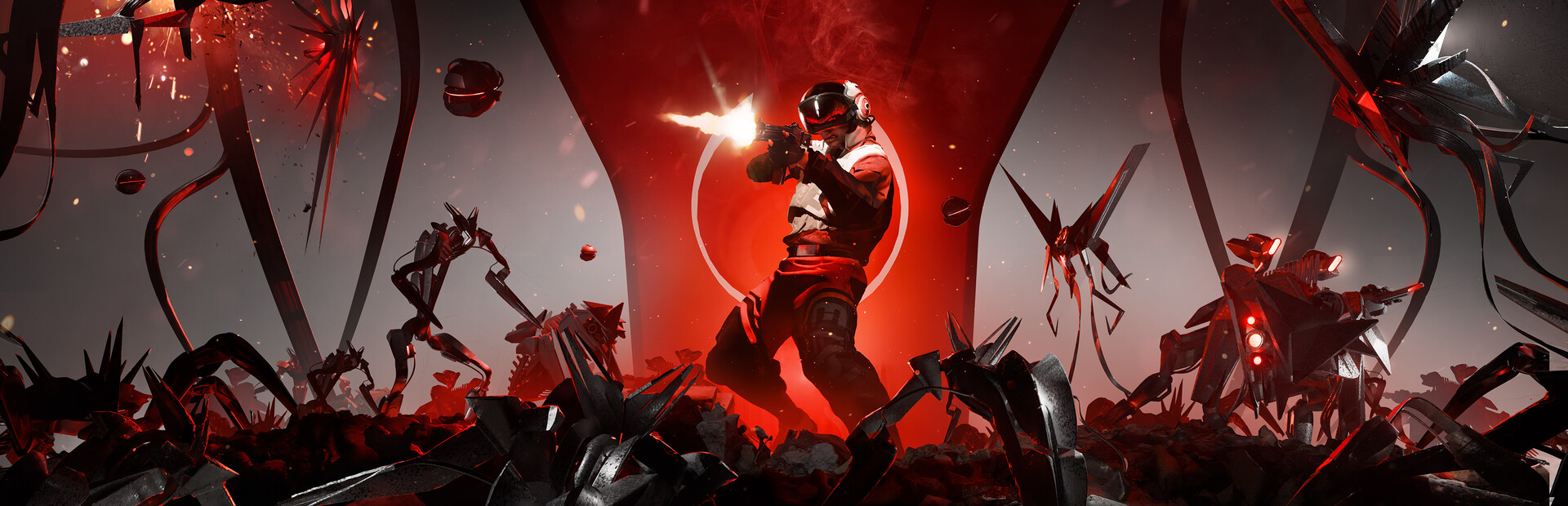
Mad Max meets Into the Breach in a desert of projectiles.
ROG Ally Z1 Extreme · Ally X · ROG Xbox Ally X
30-second setup / Couch mode
The short answer
Australia Did It handles the chaotic transition from turn-based defense to bullet-hell travel surprisingly well on the Ally, though it is more demanding than its indie aesthetic suggests. We found the bullet-hell sequences to be the primary bottleneck, causing frame drops when the screen fills with projectiles and monsters. With its Platinum-tier community reputation, you can expect a smooth experience if you target 45-60 FPS. Start on the 15W Balanced profile at 900p and keep an eye on VFX Quality to maintain stability during intense travel phases.
Frame pacing
45 FPS target
A steady cap over uncapped peaks.
Visuals
1600x900
FSR 2 (Quality)
Readability
Adjust UI size
The codex uses a small font that can be hard to read at 720p; 900p or 1080p is highly recommended.
Battery planning
2h 40m-3h 5m
ROG Ally X · expected playtime at 15W
Before you launch
Shared memory. This model shares 24GB between Windows and graphics. Extra memory gives textures more room, so raise textures before anything else. Change allocation only if the game needs it.
120Hz & VRR. Keep the built-in display at 120Hz for VRR. Below its native VRR range, low-framerate compensation can help; a 40 FPS cap keeps parries and inputs responsive.
Power & cooling. TDP is APU power, not the whole handheld’s draw. The battery range below includes display and system overhead.
Command Center & AMD quick sheet
%LOCALAPPDATA%\AustraliaDidIt\Saved\Config\WindowsNoEditorROG Ally X · Couch mode. The frame rate is a target to work toward.
| Setting | Recommendation |
|---|---|
| Overall preset | Custom |
| Resolution | 1600x900 |
| Upscaling | FSR 2 (Quality) |
| Frame generation | Off |
| Motion blur | Off |
| Setting | Recommendation |
|---|---|
| VFX QualityHeavy impact | MediumImpacts the massive number of projectiles and particle effects during the travel phases. |
| Unit Detail | High |
| Shadow QualityHeavy impact | LowTaxes the GPU significantly when the turn-based board is crowded with monsters and units. |
| Post-processing | Medium |
| V-Sync | Off |
Heavy impactThese cost the most frames. Drop them first if you need more battery or higher FPS.
Start with the listed settings, then check a demanding scene before raising detail. Keep frame generation separate from the underlying frame rate when judging input response.
Resolution vs VFX Quality
Choose 900p over Ultra VFX to ensure bullet-hell sections remain playable and clear.
Battery vs FPS
Prioritize a higher frame rate over battery life to handle the fast projectiles in travel mode.
The reality check
The original Ally has 16GB shared memory and a 40Wh battery. Ally X and Xbox Ally X have 24GB and 80Wh. The extra memory gives textures more room and the bigger battery doubles session length, while the same settings profile holds across all three models.
Away from the charger
Couch mode · 15W APU power
Use 25W with a charger nearby. Keep vents clear and establish a steady frame cap before raising resolution.
Try the 12W road-trip profile and lower resolution first. If combat cannot sustain the cap, use the couch profile instead of accepting uneven response.
1h 20m-1h 30m
Calculated runtime range
2h 40m-3h 5m
Calculated runtime range
2h 40m-3h 5m
Calculated runtime range
Uses 90% of battery capacity and 8-12W for the display and other system power. Brightness, battery wear, background apps and actual game load change runtime; TDP alone is not total power draw.
Pack & play
(Unit Info) / M2 (Launch Train)
Left rear button
Your right thumb stays on the camera stick during fights.
Assign one action per rear button in the game’s Armoury Crate profile. Keep the default face buttons available and avoid repeated-input macros in online play.
Offline availability depends on the game and its launcher.
What to pay attention to on a handheld.
Traveling between stations triggers bullet-hell sequences that push the frame timing and GPU usage.
The game is CPU-intensive during unit logic and board shifts, so keep fans in Performance mode.
The codex uses a small font that can be hard to read at 720p; 900p or 1080p is highly recommended.
Expect minor hitches when new unit combinations are first animated on screen during a run.
If a unit combination fails to resolve, restart the combat phase from the pause menu.
Enable RSR in Command Center if playing at 720p to sharpen small UI elements.
Lower VFX Quality to Medium even on High presets to keep bullet-hell sections fluid.
Yes, native controller support works perfectly and maps well to the Z1 Extreme's layout.
Currently no, so you must manually back up your local saves if switching devices.
Yes, the game is entirely single-player and does not require an active connection.
Game file
 Australia Did It: End-of-the-World Railway Defense Business