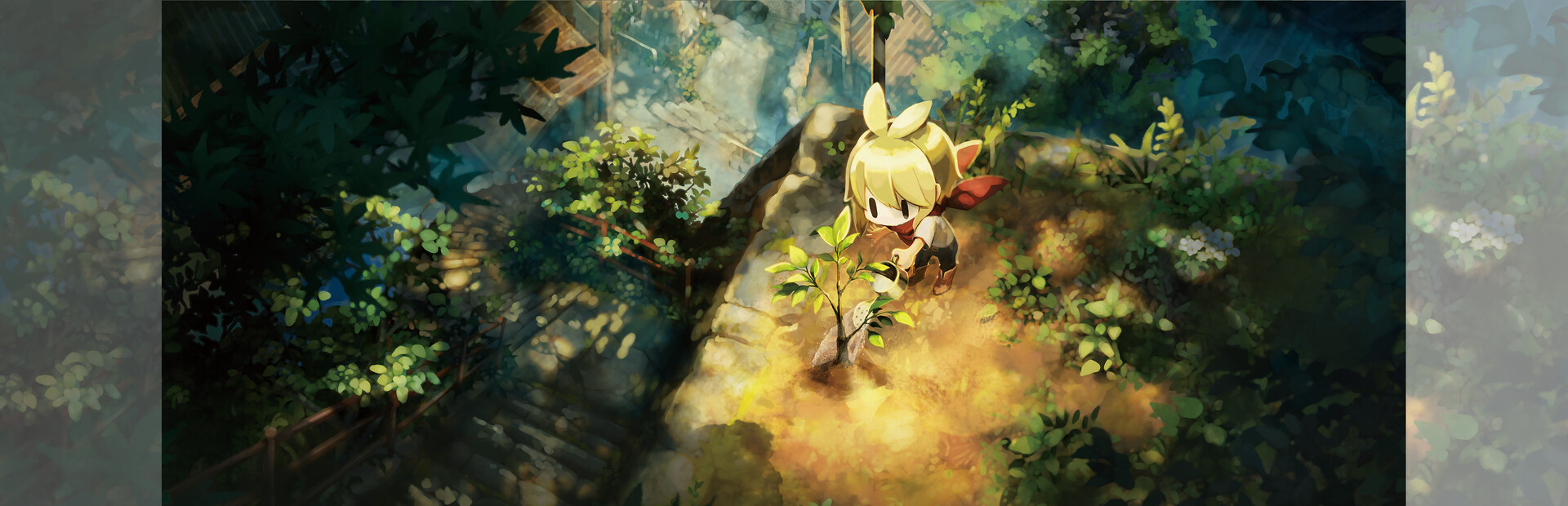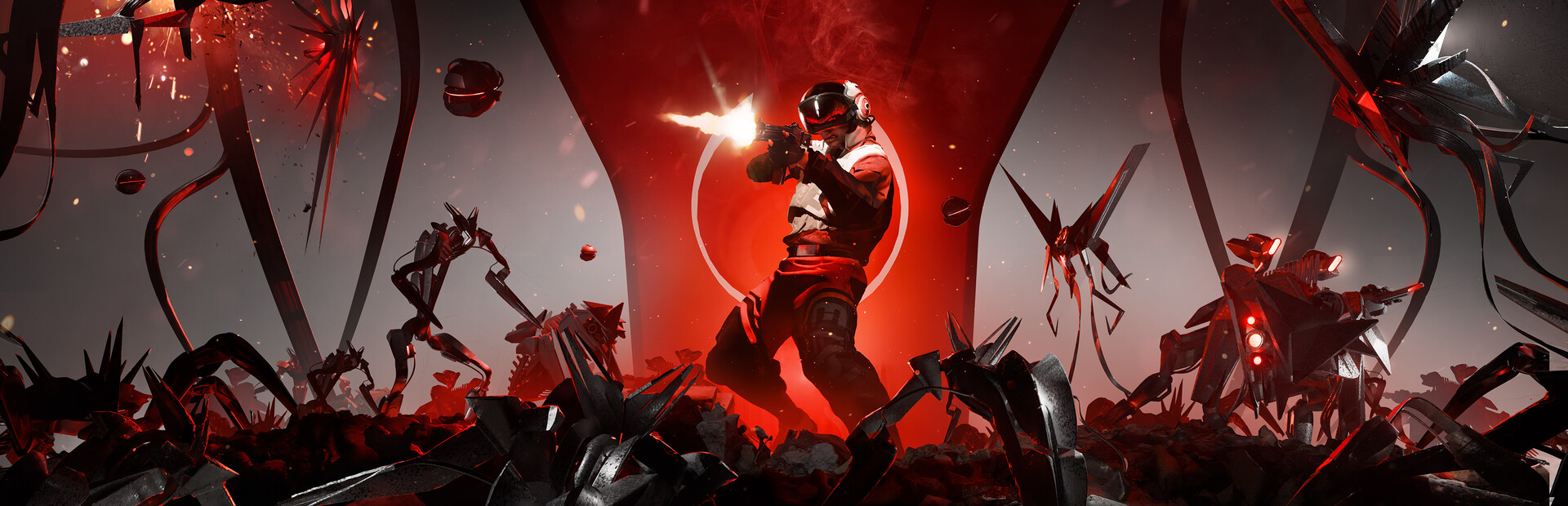
Shadows vs Textures
Our pick: Shadows
Lowering shadows provides a massive performance boost without making the game look muddy like low-res textures do.
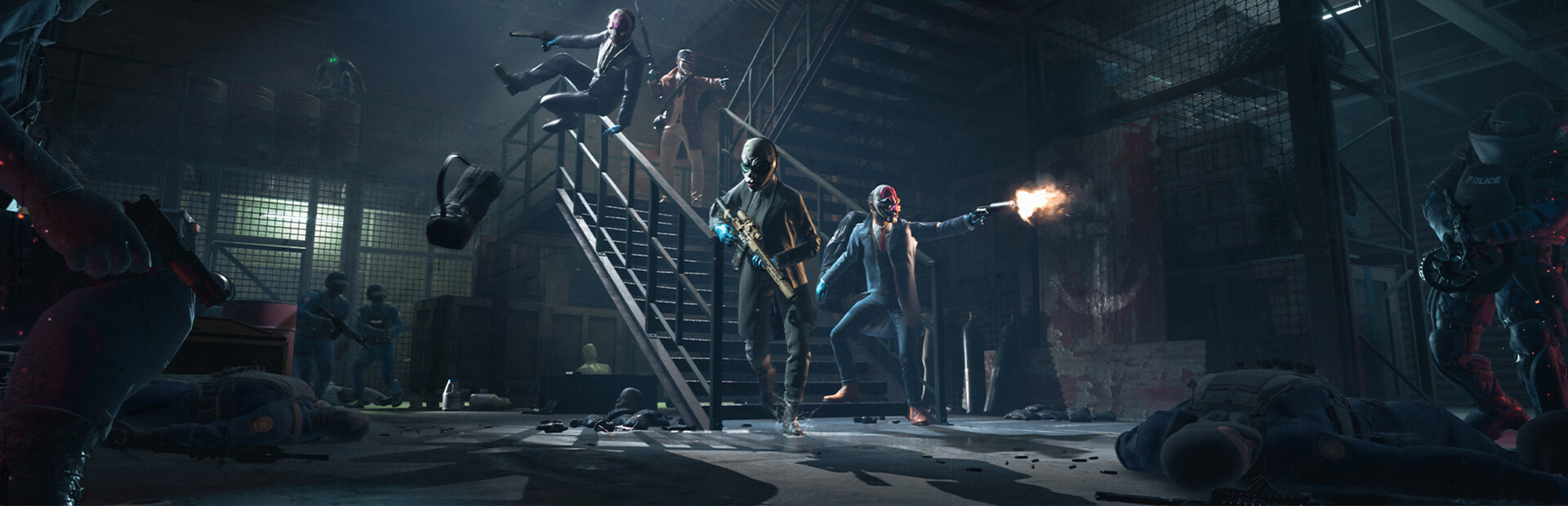
Polished criminal chaos in the palm of your hands.
ROG Ally Z1 Extreme · Ally X · ROG Xbox Ally X
30-second setup / Couch mode
The short answer
We found that PAYDAY 3 runs surprisingly well on the ROG Ally if you manage the lighting demands. You can expect a solid 45-55 FPS at 15-25W by starting with our Balanced profile and making a few tweaks. We suggest dropping Shadows first to keep the frame rate stable during the chaotic police waves. It is a great handheld experience, though the always-online requirement is a bit of a bummer for commuters.
Frame pacing
45 FPS target
A steady cap over uncapped peaks.
Visuals
900p
FSR Quality
Readability
Adjust UI size
The inventory and skill tree text can be a bit tiny on the 7-inch screen, so lean in during loadouts.
Battery planning
2h 25m-2h 50m
ROG Ally X · expected playtime at 17W
Before you launch
Shared memory. This model shares 24GB between Windows and graphics. Extra memory gives textures more room, so raise textures before anything else. Change allocation only if the game needs it.
120Hz & VRR. Keep the built-in display at 120Hz for VRR. Below its native VRR range, low-framerate compensation can help; a 40 FPS cap keeps parries and inputs responsive.
Power & cooling. TDP is APU power, not the whole handheld’s draw. The battery range below includes display and system overhead.
Command Center & AMD quick sheet
Easy Anti-Cheat: use supported in-game controls rather than injected overlays or file edits.
-dx12%LOCALAPPDATA%\PAYDAY3\Saved\Config\WindowsNoEditorROG Ally X · Couch mode. The frame rate is a target to work toward.
| Setting | Recommendation |
|---|---|
| Overall preset | Custom |
| Resolution | 1600x900 |
| Upscaling | FSR 2.1 |
| Frame generation | Off |
| Motion blur | Off |
| Setting | Recommendation |
|---|---|
| View Distance | Medium |
| Post Processing | Medium |
| ShadowsHeavy impact | LowDynamic lighting in urban environments is the primary GPU bottleneck on handheld hardware. |
| Textures | High |
| EffectsHeavy impact | MediumThe volume of smoke and particles during loud heists can cause sudden, jarring frame drops. |
Heavy impactThese cost the most frames. Drop them first if you need more battery or higher FPS.
Start with the listed settings, then check a demanding scene before raising detail. Keep frame generation separate from the underlying frame rate when judging input response.
Shadows vs Textures
Lowering shadows provides a massive performance boost without making the game look muddy like low-res textures do.
Native 1080p vs 900p with FSR
The smaller screen makes 900p look sharp, and the extra frame headroom is vital for landing headshots.
The reality check
The original Ally has 16GB shared memory and a 40Wh battery. Ally X and Xbox Ally X have 24GB and 80Wh. The extra memory gives textures more room and the bigger battery doubles session length, while the same settings profile holds across all three models.
Away from the charger
Couch mode · 17W APU power
The 900p sweet spot: 1600×900 renders about 30% fewer pixels than 1080p but stays sharp on a 7-inch screen. Add it in Armoury Crate SE’s Command Center for a one-tap switch.
Use 30W with a charger nearby. Keep vents clear and establish a steady frame cap before raising resolution.
Try the 13W road-trip profile and lower resolution first. If combat cannot sustain the cap, use the couch profile instead of accepting uneven response.
1h 10m-1h 25m
Calculated runtime range
2h 25m-2h 50m
Calculated runtime range
2h 25m-2h 50m
Calculated runtime range
Uses 90% of battery capacity and 8-12W for the display and other system power. Brightness, battery wear, background apps and actual game load change runtime; TDP alone is not total power draw.
Pack & play
Grenade / M2: Interact
Right rear button
Your right thumb stays on the camera stick during fights.
Assign one action per rear button in the game’s Armoury Crate profile. Keep the default face buttons available and avoid repeated-input macros in online play.
Offline availability depends on the game and its launcher.
What to pay attention to on a handheld.
Expect some minor hitches during your first few heists as the game compiles shaders in the background.
Even for solo play, you need a stable internet connection or the game will kick you to the menu.
Long heists can get the Ally hot; use a custom fan curve if you're playing at 30W for extended sessions.
The inventory and skill tree text can be a bit tiny on the 7-inch screen, so lean in during loadouts.
Add -dx12 to your Steam launch options for much smoother frame delivery on the Ally.
Link your Steam account to Starbreeze Nebula on a browser before launching the game for the first time.
Ensure Steam Input is enabled and Armoury Crate is set to Gamepad mode before starting.
Unfortunately, no; the game requires a constant connection to Starbreeze servers even for solo missions.
Yes, as long as you link your Nebula account, your progress carries over from PC or console.
Yes, but setting VRAM to 6GB is crucial to avoid crashes during intensive heists.
Game file
 PAYDAY 3