Resolution vs FPS
Our pick: Resolution
900p is the sweet spot for visual clarity without losing the 60 FPS target.

Retro bloodbath, modern smoothness.
ROG Ally Z1 Extreme · Ally X · ROG Xbox Ally X
30-second setup / Couch mode
The short answer
Boltgun 2 is a masterclass in optimization for the Z1 Extreme, delivering high-framerate carnage that feels right at home on the Ally's VRR display. Unlike its predecessor, the sequel introduces a second character and more complex particle effects, which can occasionally stress the CPU during dense Purge encounters. We found that the 15W Balanced profile at 900p provides a locked 60 FPS experience that looks sharp and plays fast. If you notice dips during heavy explosions, dropping Effects Quality to Medium is the quickest fix to maintain your momentum. It is a fantastic native Windows experience that outpaces the performance of other handhelds right out of the box.
Frame pacing
60 FPS target
A steady cap over uncapped peaks.
Visuals
900p
FSR 2 Quality
Readability
Adjust UI size
The retro-inspired UI and text elements are perfectly scaled for the 7-inch handheld screen.
Battery planning
2h 40m-3h 5m
ROG Ally X · expected playtime at 15W
Before you launch
Shared memory. This model shares 24GB between Windows and graphics. Extra memory gives textures more room, so raise textures before anything else. Change allocation only if the game needs it.
120Hz & VRR. Keep the built-in display at 120Hz for VRR. Below its native VRR range, low-framerate compensation can help; a 40 FPS cap keeps parries and inputs responsive.
Power & cooling. TDP is APU power, not the whole handheld’s draw. The battery range below includes display and system overhead.
Command Center & AMD quick sheet
-high%LOCALAPPDATA%\Boltgun2\Saved\Config\WindowsNoEditorROG Ally X · Couch mode. The frame rate is a target to work toward.
| Setting | Recommendation |
|---|---|
| Overall preset | Custom |
| Resolution | 900p |
| Upscaling | FSR 2.1 |
| Frame generation | Off |
| Motion blur | Off |
| Setting | Recommendation |
|---|---|
| Texture Quality | High |
| Shadow QualityHeavy impact | MediumAdds significant overhead to the GPU in the larger outdoor environments of the branching campaign. |
| Effects QualityHeavy impact | MediumDetermines the density of pixelated blood and particle debris which can tank the frame rate during Purge arena fights. |
| Post-Processing | High |
| View Distance | High |
Heavy impactThese cost the most frames. Drop them first if you need more battery or higher FPS.
Start with the listed settings, then check a demanding scene before raising detail. Keep frame generation separate from the underlying frame rate when judging input response.
Resolution vs FPS
900p is the sweet spot for visual clarity without losing the 60 FPS target.
Effects vs Shadows
Keep Effects at Medium to prevent massive frame drops during chaotic Purge combat.
The reality check
The original Ally has 16GB shared memory and a 40Wh battery. Ally X and Xbox Ally X have 24GB and 80Wh. The extra memory gives textures more room and the bigger battery doubles session length, while the same settings profile holds across all three models.
Away from the charger
Couch mode · 15W APU power
The 900p sweet spot: 1600×900 renders about 30% fewer pixels than 1080p but stays sharp on a 7-inch screen. Add it in Armoury Crate SE’s Command Center for a one-tap switch.
Use 25W with a charger nearby. Keep vents clear and establish a steady frame cap before raising resolution.
Try the 13W road-trip profile and lower resolution first. If combat cannot sustain the cap, use the couch profile instead of accepting uneven response.
1h 20m-1h 30m
Calculated runtime range
2h 40m-3h 5m
Calculated runtime range
2h 40m-3h 5m
Calculated runtime range
Uses 90% of battery capacity and 8-12W for the display and other system power. Brightness, battery wear, background apps and actual game load change runtime; TDP alone is not total power draw.
Pack & play
to D-pad for weapon swapping
Right rear button
Your right thumb stays on the camera stick during fights.
Assign one action per rear button in the game’s Armoury Crate profile. Keep the default face buttons available and avoid repeated-input macros in online play.
Offline availability depends on the game and its launcher.
What to pay attention to on a handheld.
The Purge encounters with high enemy counts and heavy Heat Gun use are the most demanding scenes.
The retro-inspired UI and text elements are perfectly scaled for the 7-inch handheld screen.
The game runs relatively cool on the 15W profile, keeping fan noise to a minimum during long sessions.
Expect minor hitches when entering new biomes for the first time as the game preps new assets.
Map the D-pad directions to the M1 and M2 back paddles to cycle weapons without using the wheel.
Ensure you have the latest AMD drivers installed via the MyASUS app for better cache management.
Enable AMD Anti-Lag in the Command Center to ensure the fast-paced gunplay feels as responsive as possible.
Yes, you can expect over 3 hours of playtime on the Ally X using the Balanced profile.
Yes, by using the 30W Turbo mode at 720p with FSR set to Performance mode.
Yes, Steam Cloud saves sync your progress seamlessly between the ROG Ally and your desktop PC.
Game file
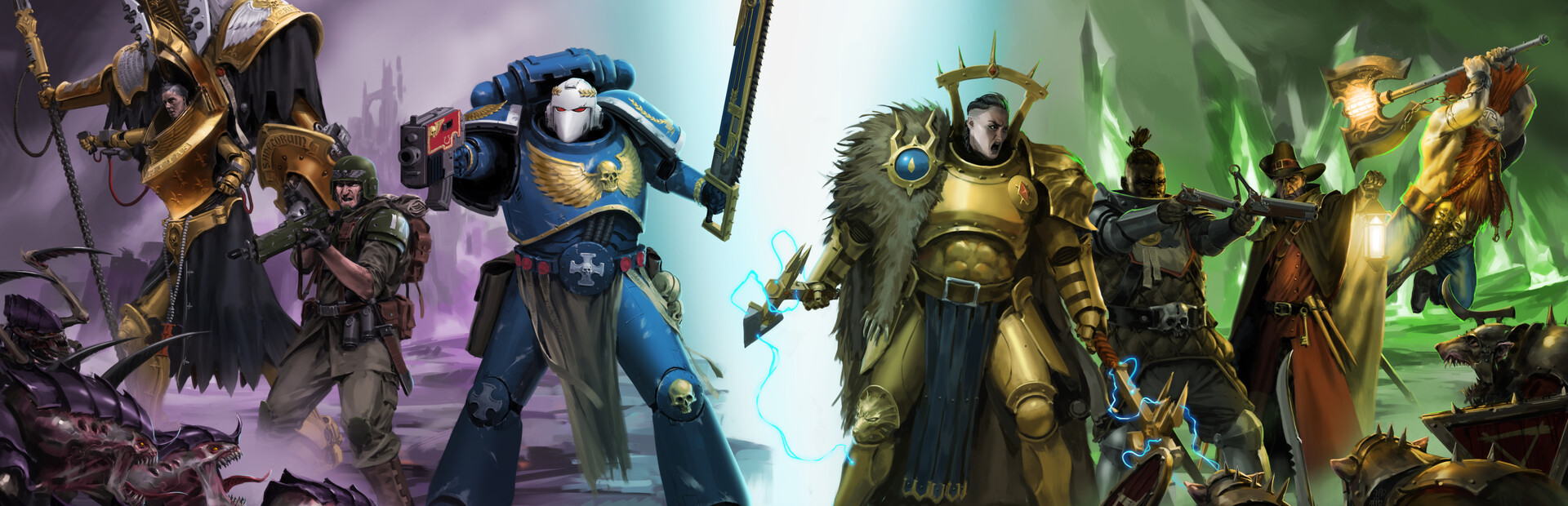
 Warhammer 40,000: Boltgun 2